





Sort documents automatically – accounting without typing
Invoices come via email, the AI reads the amount, date and company, names the file, files it and compares it with the bank statement. Simply explained with an example.
Invoices arrive by email – and from now on they end up with the correct name in the correct folder, entered in your overview and compared with the bank statement. Without anyone typing anything.
What it’s about
The problem
Invoices, credit notes, bank statements and payroll documents arrive by email every day. Each needs to be opened, typed, renamed, filed, and later compared to the account. If a receipt is missing, you often only notice it when you see your tax advisor.
The solution
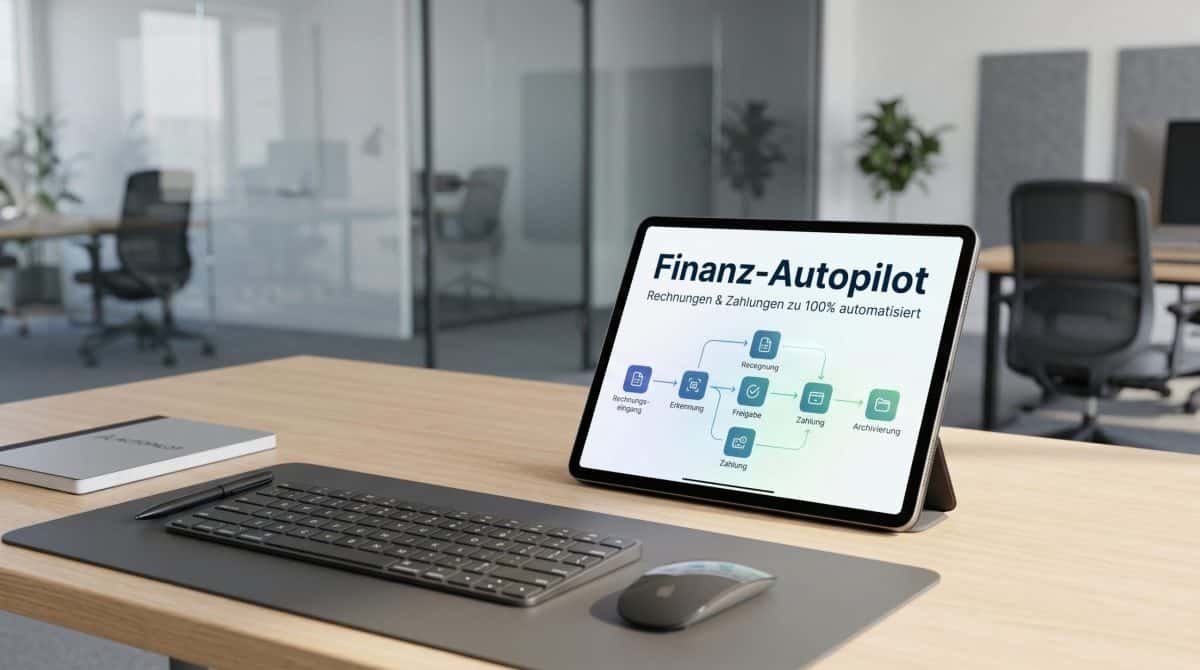
A digital process reads each attachment, recognizes what it is, and does the rest: name the file correctly, place it in the appropriate folder, enter it in the overview and compare it with the bank statement. If something is missing, the system itself asks.
In 5 steps – without any manual work
- The invoice comes by emailAs before – to your usual address. They don’t change anything.
- The AI reads the receiptCompany, amount, date, invoice number and due date. It also recognizes the type: incoming invoice, outgoing invoice, wages, bank statement or offer.
- Correct name, correct folderEach file is given a clear name according to a fixed system. Duplicate documents are recognized and only stored once.
- Entry in your overviewEach receipt appears as a line in your list – with amount, date and status.
- Comparison with the bank statementWhen the account statement arrives, paid invoices are automatically checked off. You will immediately receive a notification for every debit made without a receipt.
A completely normal Tuesday
The building cleaning service sends its invoice as “scan_0034.pdf”.
The file is now called “2026-11-03_Eingang_Gebaeudereinigung_RE-0412_476.00EUR.pdf” and is located in the “Incoming invoices” folder.
There is a new line in the overview: €476.00, due on November 17th, open.
The bank statement arrives. The €476.00 is found – the invoice says “paid”.
A debit of €38.50 has no receipt. You receive an email: “Receipt missing – €38.50 at hardware store, extract no. 44”.
Instead of 8 hours of document work per day, you look at the overview for 2 minutes. This is how it works for us every day.
What you get out of it
No typing
The system reads amounts, dates and numbers itself.
Nothing is lost
Each document is named, filed and entered.
Missing documents immediately visible
You will find out on the same day, not at the end of the year.
Ready for the tax advisor
Clean folders, clean list – at any time.
Suits you if…
- You receive many invoices by email.
- Today, receipts are renamed or typed by hand.
- You lose track of what has been paid for.
- Your tax advisor regularly asks about missing receipts.
What we need from you
- An email inbox for receipts
- A storage location for the files
- Your account statements as PDF
We’ll set up the rest. You don’t learn new software.
Quickly answered
What happens to illegible receipts?
Nothing is advised. If a receipt cannot be read securely, you will receive an email and decide for yourself.
Does this also work in Croatian?
Yes. Documents in German, Croatian and English are recognized – including terms like “Račun” or “Izvod”.
Do I have to change my mailbox?
No. We connect your existing mailbox and your existing storage.
Live payments at a glance
Every online payment automatically sets its invoice to “paid”.
no adjustment by handPartners & service providersService provider invoices
Invoices for cleaning, garden and pool are checked and sent to the owner with a payment link.
no longer forward invoices manuallyOwner & ManagementOwner portal
Mail, invoices and billing automatically reach the owner.
no redirects, no listsHow much time does this cost you today?
Tell us what task takes up your time every day. In the initial consultation, we will show you what can be done automatically – and together we will calculate what you will gain back.
Kristian Sorman · Operational process optimization & automation
Note: We are a technical service provider. We set up and maintain digital processes – your data stays in your own accounts. We use established, GDPR-compliant services and conclude an order processing contract (AVV) before starting.